

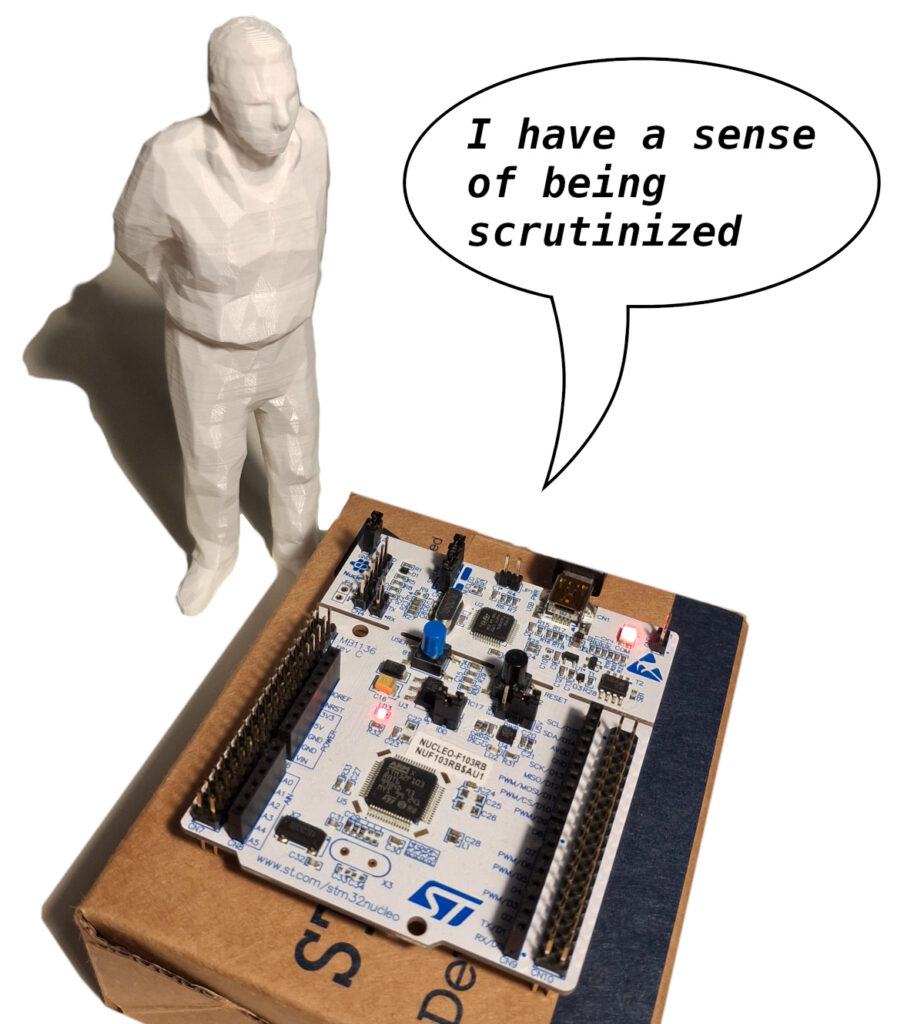
As embedded engineers, we often find ourselves playing the role of the sidewalk supervisor. With a debugger attached, we peer into the inner workings of our MCU, hands clasped firmly behind our backs (figuratively, of course), scrutinizing every last clock cycle. We take our role as an invisible observer for granted, but the truth is more interesting. The silicon under our watch can, in fact, know it’s being so closely observed, and it can do so pretty easily.
Why care?
There may be several reason to detect when a MCU is being debugged, and it’s not just to playing tricks to colleagues. Of course, for security you need to use proper techniques, such as using secure elements and memory protection, but if those are not available, or to add an extra layer to deter a possible attacker, this may be an option. You can use it to make it more difficult to an attacker to reverse engineer your firmware, you may want to protect secrets like keys, have intrusion alerts, or even just always use a different configuration when debugging.
Protecting secrets
Even if you should probably really lock access to your device, this is often not an option as that may be not reversible. In some cases you just prevent yourself to read the device again, but you can recover by erasing the whole memory, while in some other cases you are locked out forever, without any other way to flash it externally.
Of course, if you leave your device unlocked someone will be able to dump the memory and reverse engineer the code, but that takes time, and the secrets like keys or password that are used at runtime may require halting the CPU at the right time to be visible.
By knowing when a debugger is attached, you can wipe those keys and secrets from memory, preventing extraction.
Connected devices
You can use debugger detection to send an alert message to a monitoring server, signaling that there is a possible tampering from a device in the field. Depending on the industry, this may even help to meet safety/security requirements.
Development
Often we need different parameters when debugging, or to enable some debug only features.
For example we may want to have the watchdog behave differently when debugged, or enable some diagnostic commands only during debugging. For connected devices, we may want to use a different server.
How to do it
As almost everything in a microcontroller, the debug port is a peripheral, with its own registers and status flag. Its registers and their meanings are often not described in deep in the MCU’s reference manual, if at all, so many developers just ignore their existence. This is because the debug system is part of the ARM architecture, so we have to refer to the Arm v7-M Architecture Reference Manual to find out how to do it.
In the Debug System we find 4 registers (extracted from the ARM Architecture Reference Manual):
| Address | Name | Type | Function |
|---|---|---|---|
| 0xE000EDF0 | DHCSR | RW | Debug Halting Control and Status Register |
| 0xE000EDF4 | DCRSR | WO | Debug Core Register Selector Register |
| 0xE000EDF8 | DCRDR | RW | Debug Core Register Data Register |
| 0xE000EDFC | DEMCR | RW | Debug Exception and Monitor Control Register |
For completeness, there is another register related to the debug system, but that’s in the System Control Block:
| Address | Name | Type | Function |
|---|---|---|---|
| 0xE000ED30 | DFSR | RW | Debug Fault Status Register |
When a debugger is attached to the MCU, it sets the bit 0 (DEBUGEN) in the register DHCSR.
So to detect when the MCU is being debugged, we just have to check it:
if(CoreDebug->DHCSR & CoreDebug_DHCSR_C_DEBUGEN_Msk){
    //debugged
}else{
    //not debugged
}That’s it.
This is the most basic way, leveraging the ARM core to detect if there is a debugger attached to the MCU. Being in the core, it will work for most ARM MCU out there.
CoreDebug and CoreDebug_DHCSR_C_DEBUGEN_Msk are defined by CMSIS in the core_*.h files.
A note of caution: the reference manual states that access to DHCSR from software running on the processor is implementation defined, so some vendors may opt to not give access to this register. I’ve tested it on a STM32F103 and confirmed that it works.
Another note of caution: there are ways to debug the MCU without setting this bit, so another techniques must be used. But let’s save that for another time.
If you’re curious about what these registers are used for, here is a quick breakdown.
Mind you, there registers are mostly meant to be accessed by the debug probe.
DHCSR – Debug Halting Control and Status Register
This register is accessed by the debugger to know the current status and to perform debug operations like stepping. It is basically the main control panel. There are some status bits (S_*) and some control bits (C_*)
| N bit | Name | Description |
|---|---|---|
| 0 | C_DEBUGEN | The hero of our story. The debugger sets this bit to enable halting |
| 1 | C_HALT | Setting this bit halts the processor |
| 2 | C_STEP | Processor step bit. It’s used for single stepping |
| 3 | C_MASKINTS | Used to mask some interrupts when debugging |
| 5 | C_SNAPSTALL | Allow an imprecise entry to Debug state. That is entering the debug state when there is a stalled operation by forcing it to finish. This has to be used with caution as it may leave the memory in an unpredictable state, and the CPU must be reset upon leaving the debug state |
| 16 | S_REGRDY | Indicates a completion of the DCRDR transfer |
| 17 | S_HALT | Indicates that the processor is in debug state |
| 18 | S_SLEEP | Indicates that the processor is sleeping |
| 19 | S_LOCKUP | Indicates that the processor is locked up because of an unrecoverable exception |
| 24 | S_RETIRE_ST | This is set every time the processor retires one or more instruction. It is cleared upon reading (sticky bit) |
| 25 | S_RESET_ST | Indicates whether the processor has been reset since the last read of DHCSR |
DCRSR – Debug Core Register Selector Register
This register is used to give access to the ARM core registers, special-purpose registers, and floating-point extension registers. In the DCRSR the debugger must specify the register to access, and then indicate if you need to write or read. This is needed because the aforementioned registers requires privileged access, and otherwise the bus may prevent it.
| N bit | Name | Description |
|---|---|---|
| 0-6 | REGSEL | The offset of the register that the debugger wants to access |
| 16 | REGWnR | 0 to read, 1 to write |
DCRDR – Debug Core Register Data Register
This register is used to read or write to the register at the address indicated in the DCRSR.
DEMCR – Debug Exception and Monitor Control Register
This register controls the vector catch behavior and debug monitor handling when debugging.
| N bit | Name | Description |
|---|---|---|
| 0 | VC_CORERESET | Enable Reset Vector Catch. A local reset halts a running system. |
| 4 | VC_MMERR | Enable halting debug trap on a MemManage exception |
| 5 | VC_NOCPERR | Enable halting debug trap on UsageFault caused by an access to a coprocessor |
| 6 | VC_CHKERR | Enable halting debug trap on UsageFault caused by a checking error, like alignment check error |
| 7 | VC_STATERR | Enable halting debug trap on UsageFault caused by a state information error, such as Undefined Exception error |
| 8 | VC_BUSERR | Enable halting debug trap on BusFault exception |
| 9 | VC_INTERR | Enable halting debug trap on a fault occurring during exception entry or exception return |
| 10 | VC_HARDERR | Enable halting debug trap on HardFault exception |
| 16 | MON_EN | Enable DebugMonitor exception |
| 17 | MON_PEND | Sets or clears the pending state of DebugMonitor exception. It can be used by the debugger to wakeup the monitor |
| 18 | MON_STEP | Enables stepping the processor |
| 19 | MON_REQ | Used by the monitor software as a semaphore. Not used by the processor |
| 24 | TRCENA | Global enable for all Data Watchpoint and the Instrumentation Trace Macrocell |
The DebugMonitor and the Instrumentation Trace are another ways to debug the MCU. Long story short, with the DebugMonitor the debug events are treated like interrupts, including priority, so you can debug real time application, while the Instrumentation Trace Macrocell is an alternative way to have log messages in a minimally intrusive way.
DFSR – Debug Fault Status Register
This register shows which debug event occurred. The “fault” in the name reflect the facts that a debug event causes an interruption to the normal flow of the program that is conceptually similar to any of the fault events of the CPU.
| N bit | Name | Description |
|---|---|---|
| 0 | HALTED | A debug event generated by an halt or step request |
| 1 | BKPT | A debug event generated by the BKPT instruction or a breakpoint match |
| 2 | DWTTRAP | A debug event generated by a data watchpoint |
| 3 | VCATCH | A debug event generated by an exception such as a HardFault |
| 4 | EXTERNAL | A debug event generated by a signal from a debug probe |
Final words
By digging a bit deeper than usual in the documentation, we’ve found something very useful: we can detect when a MCU is being debugged, and act accordingly. Even if this is not something that is needed every time, it’s still useful to know in case of needs. By looking at these registers, we also gained a bit of insight on how the debugger controls our microcontroller.
It should be noted that for security it only offer a little difficulty, and a determined agent may easily find where the check is made, and remove it altogether.
This method only detects the most common form of debugging. In a further article, I’ll explore more advanced techniques and see if those are detectable as well.
PS. I take no responsibility if you use this information to prank your colleagues by making a device to act in a weird way when is being debugged.